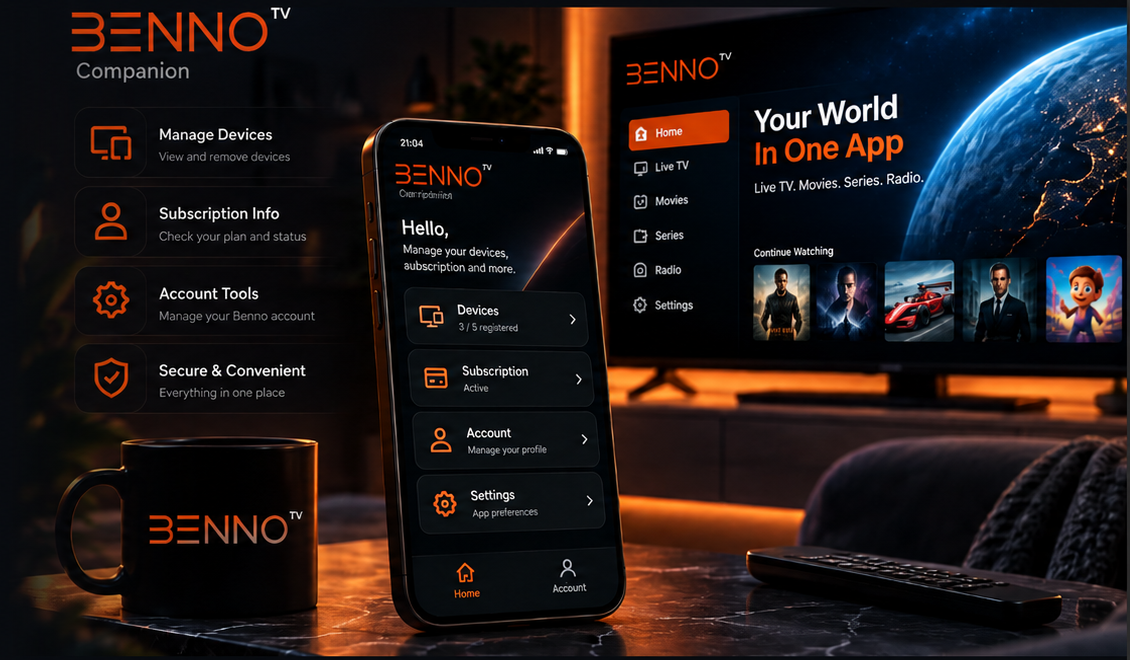
Manage registered devices, check subscription information and access Benno account tools from your phone — without opening the TV app.
GET IT ONGoogle PlayComing soon
DOWNLOAD FROMOur WebsiteComing soon
YOUR OVERVIEW
Everything important. One clear home.
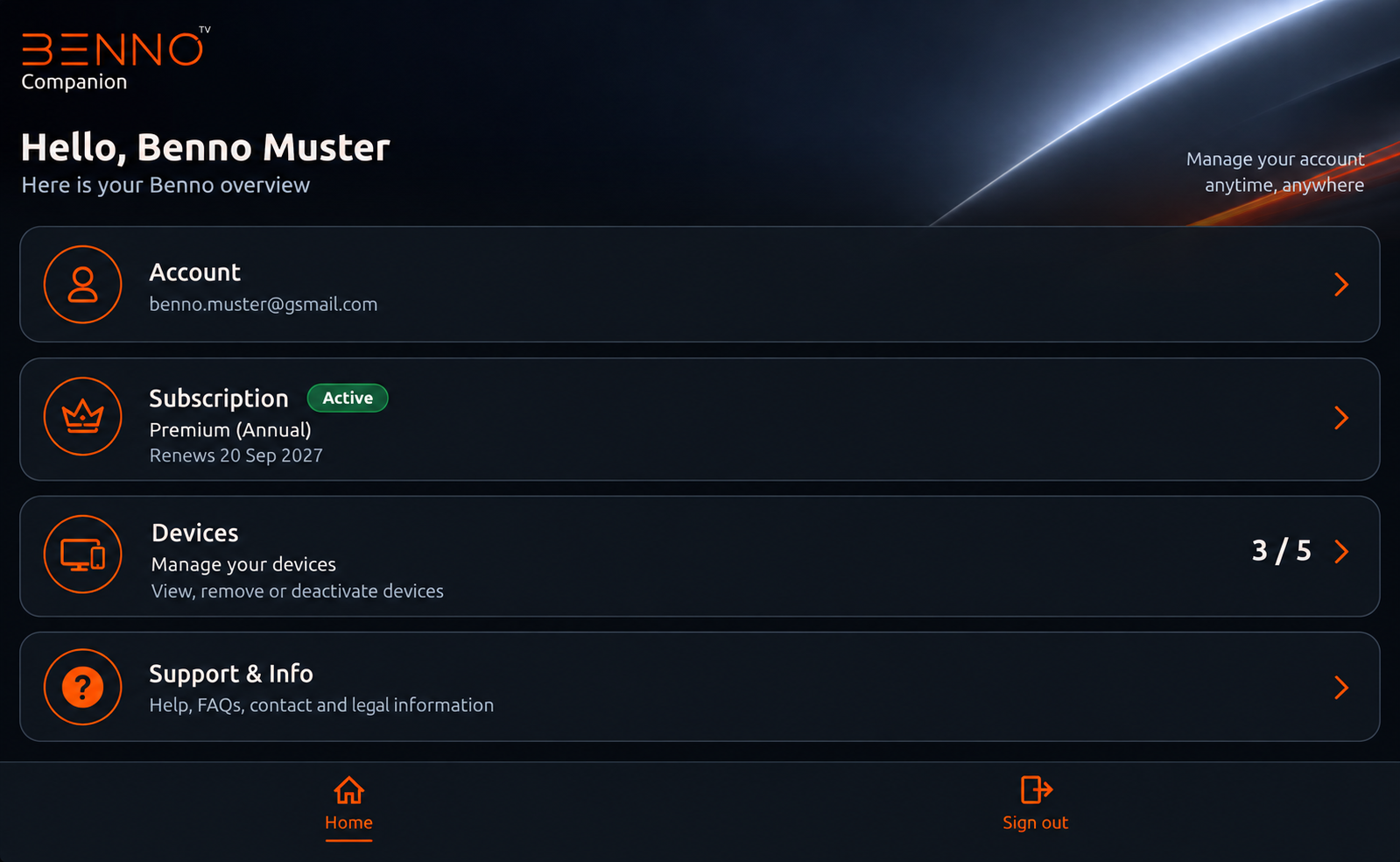
See your Benno account, active subscription and registered-device usage at a glance. The Companion home screen keeps the information you need in one simple place.
Account overviewPlan statusDevice count
ACCOUNT
Your Benno account. Always within reach.
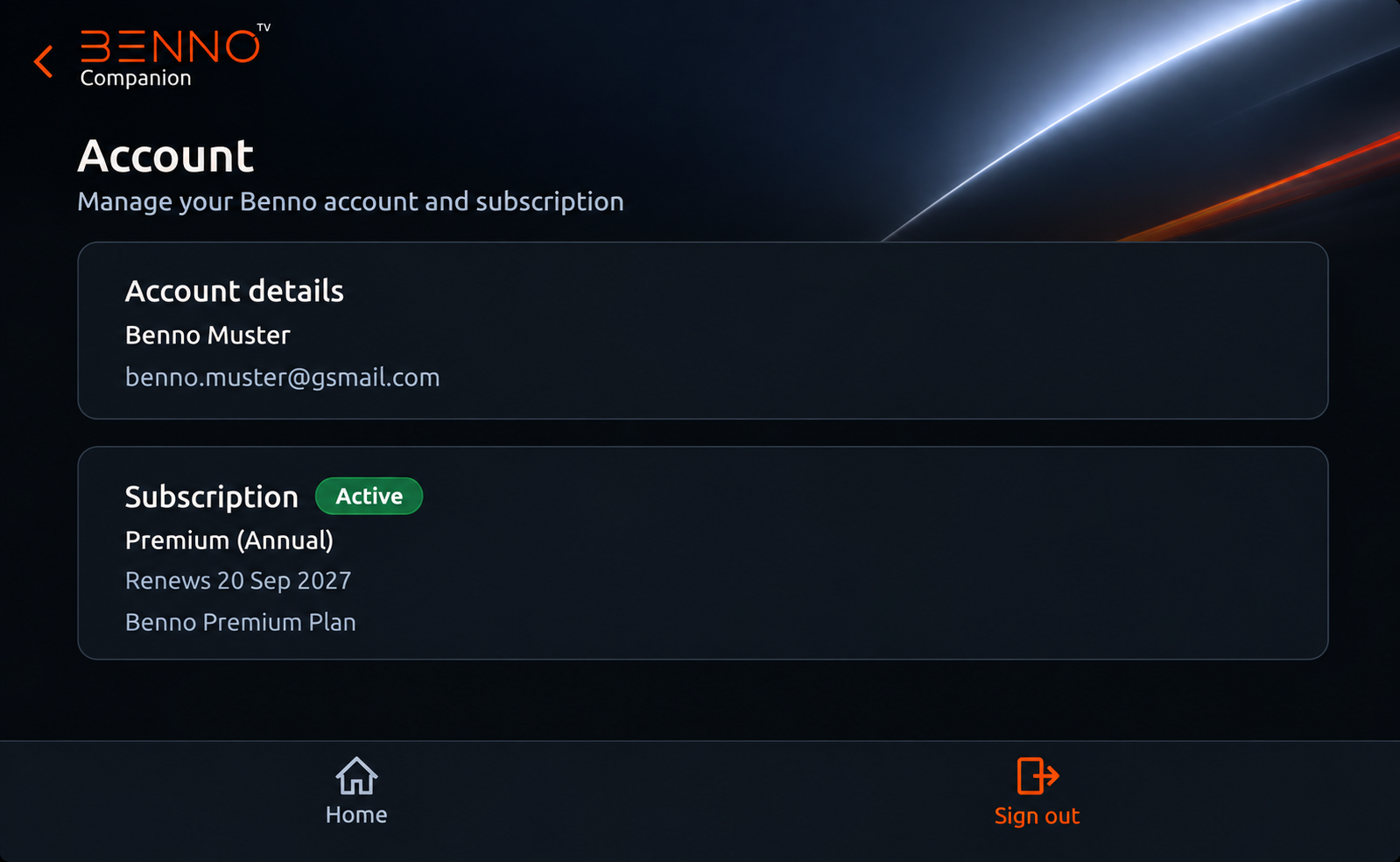
Review your account details and subscription information from the Companion app. Use the same Benno account that connects your TV app, subscription and registered devices.
One Benno accountAccount detailsSecure access
SUBSCRIPTION
Your plan. Clearly explained.
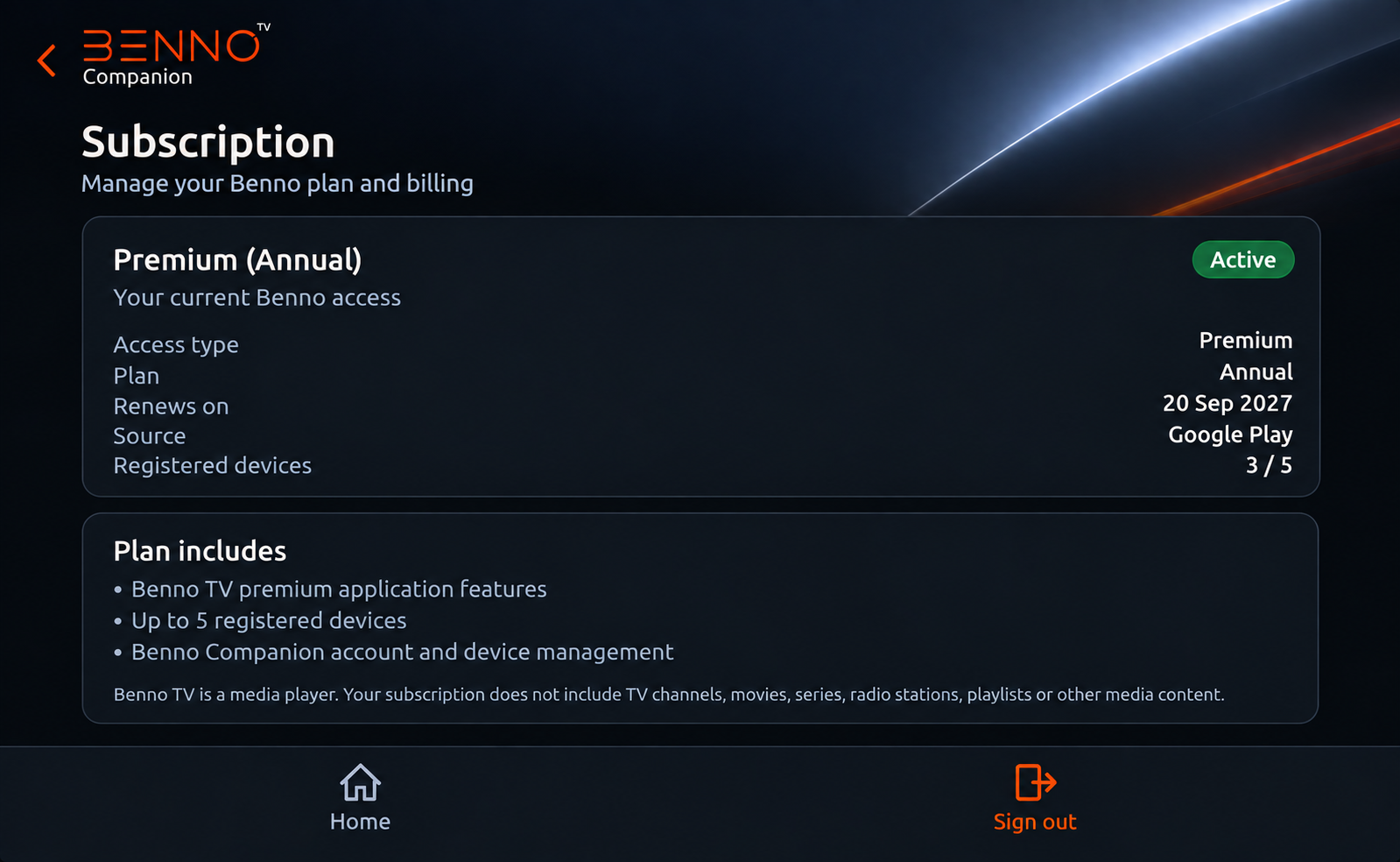
Check your current Benno plan, renewal information, purchase source and registered-device usage without searching through the TV interface.
Plan detailsRenewal informationPurchase source
DEVICE MANAGEMENT
Five device slots. You stay in control.
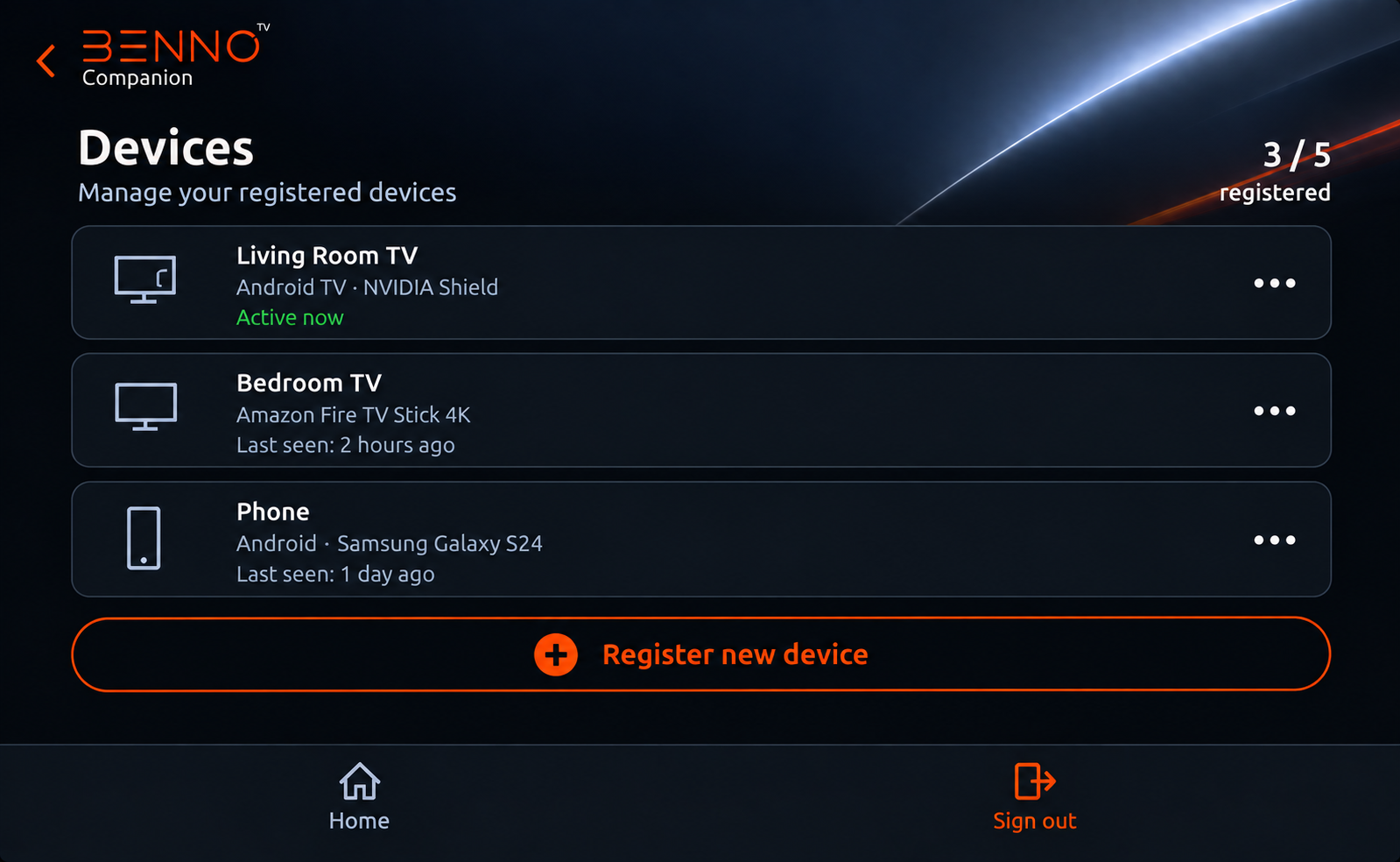
See which devices are registered to your Benno account and manage old or unused devices when needed. Benno TV supports up to five registered devices per account.
Up to 5 devicesDevice overviewRemove old devices
HOW IT WORKS
Simple from the first sign-in.
01
Install
Install Benno Companion on your Android phone.
02
Sign in
Use the same Benno account you use on Benno TV.
03
Manage
Review devices, subscription details and account-related actions.
DOWNLOAD
Benno Companion
The Companion app will be available through Google Play. Download access will appear here when the store listing is ready.
GET IT ONGoogle PlayComing soon
DOWNLOAD FROMOur WebsiteComing soon
BENNO ACCOUNT
Sign in to continue
Sign in with the same Benno account you use with Benno TV and Companion.